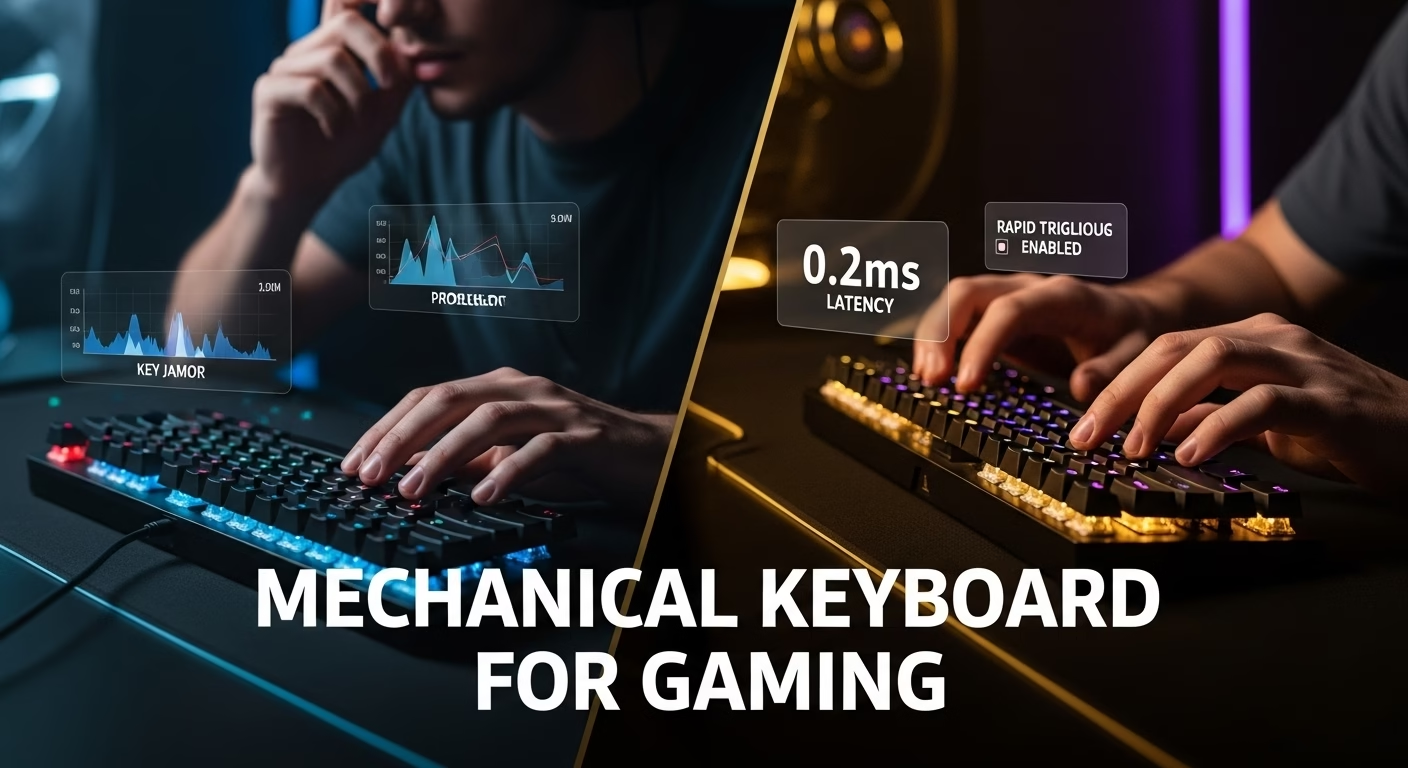
Mechanical Keyboard for Gaming: The Ultimate 2025 Expert Guide
Stop guessing. Decode switches, speed, and latency to find the perfect gaming keyboard for your setup. Elevate your game from input lag to instant victory.
Ready to level up your PC gaming? You’ve landed on the right page. This isn’t just another list of keyboards; it’s an expert review of what truly matters when choosing a mechanical keyboard for gaming. We’ll break down the jargon, demystify the tech, and help you find the perfect board to crush the competition. Forget the confusion; let’s get you the keyboard that transforms your gameplay.
Expert Review: The Switch is Everything – Your Gaming Keyboard Journey Starts Here
The biggest mistake most gamers make? Focusing on RGB before switches. The switch is the heart of a mechanical keyboard. It dictates feel, sound, and critically, speed. Choosing the wrong switch can lead to frustration, missed inputs, and ultimately, poor performance.

Understanding Your Options: Linear, Tactile, Clicky, and Beyond
The market has exploded beyond the classic Cherry MX switches. Today, you’ll find:
- Linear Switches: Smooth and uninterrupted travel. Ideal for rapid, repeated presses in FPS and action games. Think Cherry MX Red, Gateron Yellow, or optical equivalents.
- Tactile Switches: A noticeable “bump” during the keypress, signaling actuation without an audible click. Great for hybrid users who game and type.
- Clicky Switches: Provide both a tactile bump and an audible “click.” Satisfying for typing but can be disruptive for others nearby.
- Optical Switches: Use a beam of light to detect actuation. Faster and more durable than mechanical switches, as there’s no physical contact to wear down.
- Hall Effect Switches: Use a magnetic field to detect keypresses. Offer the fastest actuation and allow for adjustable sensitivity and “Rapid Trigger” functionality. This technology is revolutionizing competitive gaming.
Expert Verdict: Switches Dictate Your Game
For pure gaming performance, especially in fast-paced titles, linear or Hall Effect switches are king. They offer the quickest, smoothest actuation. If you also do a lot of typing or want feedback without excessive noise, tactile switches are a solid choice. Clicky switches are often best avoided for gaming due to potential for accidental presses and noise.
Historical Context: The Switch Revolution
For years, the debate was simple: Cherry MX Red vs. Brown vs. Blue. The resurgence of mechanical keyboards in the early 2010s, fueled by gamers seeking durability and feel, centered around these German-engineered switches. However, as PC Gamer has documented, innovation didn’t stop. The introduction of optical switches promised greater speed and longevity, and now, Hall Effect technology is setting new benchmarks for input latency. The market has moved from mere durability to pure, unadulterated speed.
This essential video breaks down the crucial differences between linear, tactile, and clicky switches, complete with sound tests.
Anatomy of Speed: Latency, Actuation, and Polling Rate Decoded
You see terms like “0.2ms actuation” and “8000Hz polling rate” and wonder, “Does it really matter?” The answer is yes, especially for competitive gamers. These specs drastically reduce the time it takes for your action to register in-game.

From Input to Action: The Latency Chain
Think of it like a race. Every component adds a tiny delay:
- Actuation Point: How far down you press the key to register. Faster switches have shorter actuation points (e.g., 1.2mm vs. 2mm).
- Switch Type: Optical and Hall Effect switches bypass physical contacts, acting nearly instantaneously.
- Polling Rate: How often the keyboard “talks” to your PC. Standard is 1000Hz (1ms). High-end boards offer 4000Hz, 8000Hz, or even higher, reducing reporting delay.
- Rapid Trigger: A game-changer from Hall Effect switches. It allows keys to reset the moment you lift them, enabling instant double-taps or rapid stringing of actions without needing to hit the bottom.
Expert Analysis: Speed Matters for Competitive Edge
While the difference between 1000Hz and 8000Hz polling might be imperceptible to most, features like adjustable actuation and Rapid Trigger can be game-changing, especially in FPS titles. These technologies allow for incredibly fast reactions and more fluid movements. Boards like the Wooting 60HE have popularized this, proving that these advanced features translate directly into better performance. As Blur Busters, a leading authority on display and input lag, often highlights, minimizing every bit of latency is crucial for competitive play.
Historical Review: The Speed Wars
For years, the focus was on switch durability. But as esports grew, so did the demand for speed. Early gaming keyboards boosted polling rates, but the real leap came with optical and Hall Effect switches. This innovation, championed by brands like Razer and Wooting, dramatically reduced input lag, shifting the focus from mechanical feel to pure, unadulterated speed.
This video from TechSource explains the benefits of advanced speed features like Rapid Trigger found in Hall Effect keyboards.
Form Factor Face-Off: Full-Size vs. TKL vs. 60% for Gaming
Your keyboard’s size directly impacts your desk space and mouse movement. For gamers, especially in FPS titles, this is a critical consideration.
Maximizing Your Mouse Space
More mouse room equals more freedom for large, sweeping movements. This is why compact keyboards are so popular:
- Full-Size (100%): Includes a number pad, arrow keys, and function row. Best for productivity and number crunching.
- TKL (Tenkeyless, 87%): Removes the number pad, keeping arrow keys and function row. The sweet spot for many gamers.
- 75% / 65%: Further compacts the layout, often integrating arrow keys and some function keys into a smaller footprint.
- 60%: Removes arrow keys and function row entirely, relying on layers and Fn key combinations. Offers maximum mouse space.
Expert Review: TKL and Compact Rule the Game
For serious gaming, ditching the number pad (TKL) is almost a given. Many pro players opt for 60% or 65% boards to maximize their mousepad real estate. While there’s a learning curve for layered functions on smaller boards, the payoff in desk space and unrestricted mouse movement is significant for competitive play. As seen on sites like ProSettings.net, a vast majority of top esports pros use TKL or smaller form factors.
Historical Trends: The Move to Compact
Full-size keyboards were once the standard. However, as PC gaming evolved and mousepads grew larger, the demand for compact keyboards surged. The TKL layout gained popularity first, and now smaller 60% and 65% boards are mainstream, reflecting a clear trend toward prioritizing gaming functionality over extraneous keys. This shift is evident in product releases from major brands like Corsair and Logitech G, which heavily feature compact options.
This video compares different keyboard sizes and helps you decide which form factor best suits your gaming setup and needs.
The Enthusiast’s Edge: Hot-Swappable, Keycaps, and Customization
For those who want more than just a pre-built board, the world of custom mechanical keyboards offers endless possibilities. Key features like hot-swappability are making this more accessible than ever.

Hot-Swappable: Your Switch Playground
Hot-swappable PCBs let you change switches without soldering. This means you can:
- Experiment with different switch types to find your perfect feel.
- Replace a faulty switch instantly.
- Try out new switches as they become available.
This feature, once limited to custom builds, is now common on many gaming keyboards from brands like Keychron and NuPhy.
Keycaps & Beyond: The Customization Factor
Beyond switches, keycaps offer a visual upgrade. PBT plastic keycaps are more durable and textured than ABS, resisting shine and wear. Custom keycap sets allow you to personalize your setup’s aesthetic dramatically. For those interested in a deeper dive, resources like r/MechanicalKeyboards on Reddit offer a wealth of community knowledge.
Expert Review: Customization for Peak Performance & Aesthetics
While brand-name gaming keyboards offer excellent performance out of the box, the enthusiast market caters to those who demand more. Hot-swappable boards and a wide array of aftermarket parts empower gamers to fine-tune their input experience to an unprecedented degree. It’s about building a tool that’s not just fast, but perfectly suited to your specific playstyle and aesthetic – a true extension of your gaming identity.
The Future of Keyboards: AI Integration?
While not mainstream yet, we’re seeing early signs of AI integration in keyboard software, for example, AI in fashion is already optimizing style choices. Future gaming keyboards might use AI to analyze your gameplay and suggest optimal switch settings or macro assignments. As reported by Forbes’ AI section, the integration of AI into hardware is accelerating across all consumer tech.
Frequently Asked Questions (FAQ)
Final Verdict: Your Next Keyboard is Waiting
Choosing the right mechanical keyboard for gaming is an investment in your performance and enjoyment. By understanding the critical role of switches, speed, and form factor, you can navigate the market with confidence. Whether you’re a pro aiming for the milliseconds of advantage, a streamer curating your setup’s aesthetic, or a budget gamer seeking that crucial upgrade, there’s a perfect mechanical keyboard out there for you. Don’t settle for less than the best input device for your digital adventures. If you have insights to share or want to contribute, check out our write with us page.
References & Further Reading
- RTINGS.com – The 6 Best Mechanical Gaming Keyboards
- PC Gamer – The best gaming keyboards 2025
- Tom’s Hardware – Best Gaming Keyboards
- IGN – Best Mechanical Keyboards for Gaming
- TechRadar – The best gaming keyboards available now
- Blur Busters – Display Lag, Input Lag, and Motion Clarity
- ProSettings.net – Professional Gamers’ Keyboard Settings
- Keychron Official Website – Known for enthusiast and hot-swappable keyboards
- Wooting Official Website – Pioneers in Hall Effect switches and Rapid Trigger
- Cherry MX Official Website – The benchmark for mechanical switches